
Get people through the door, whatever they arrive with

Delekit check-in runs on phones, tablets and kiosks and accepts whatever your attendees arrive with, a QR e-ticket on their phone, a printed confirmation, an NFC wristband or an RFID badge. Scanning is fast, works when the venue Wi-Fi does not, and updates your live arrivals dashboard as it happens.

  • QR e-tickets, NFC wristbands and RFID badges
  • Full offline mode with automatic sync
  • Walk-in registration by QR sign-up link
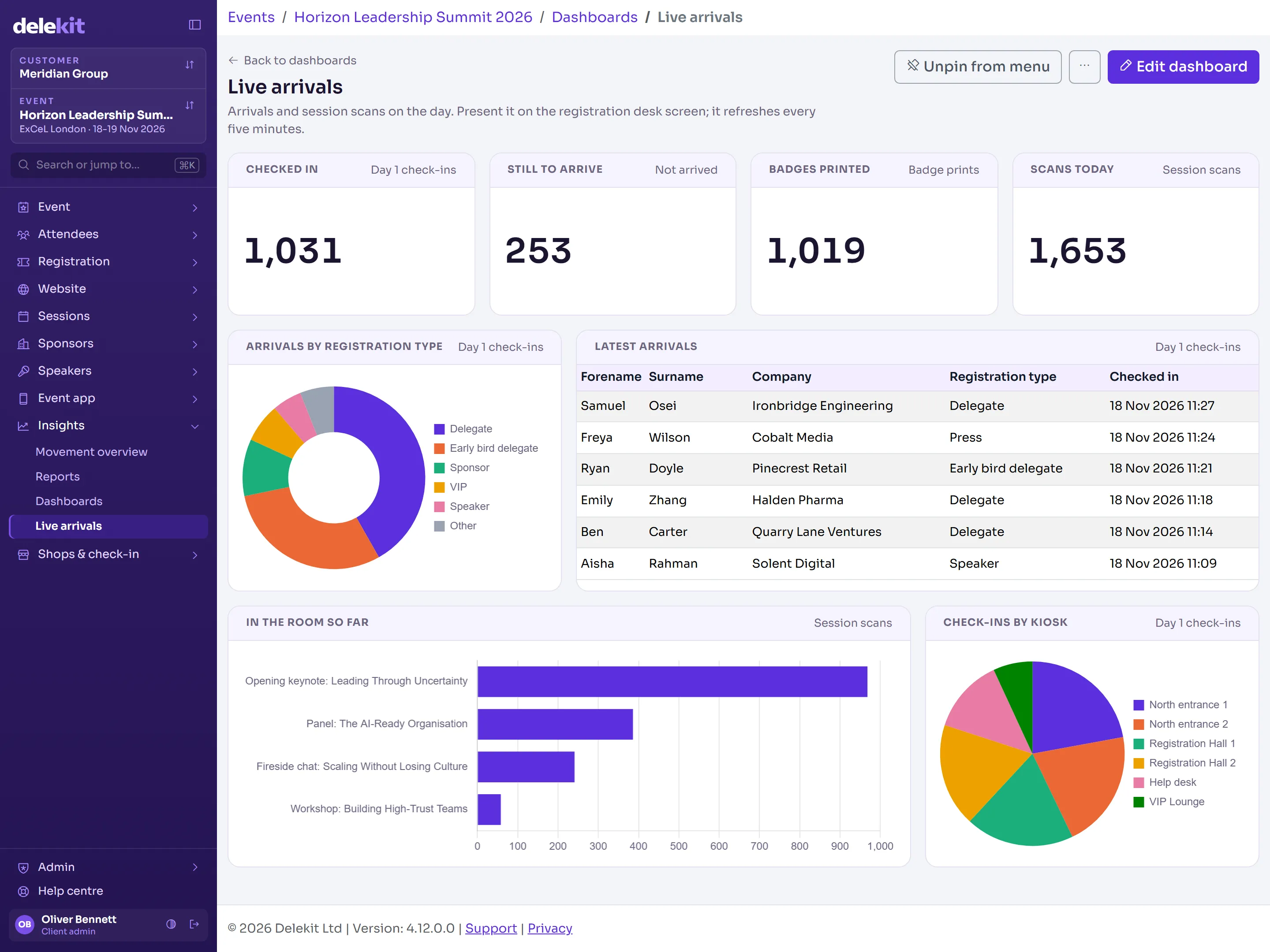
  • Live arrivals dashboard for every entrance
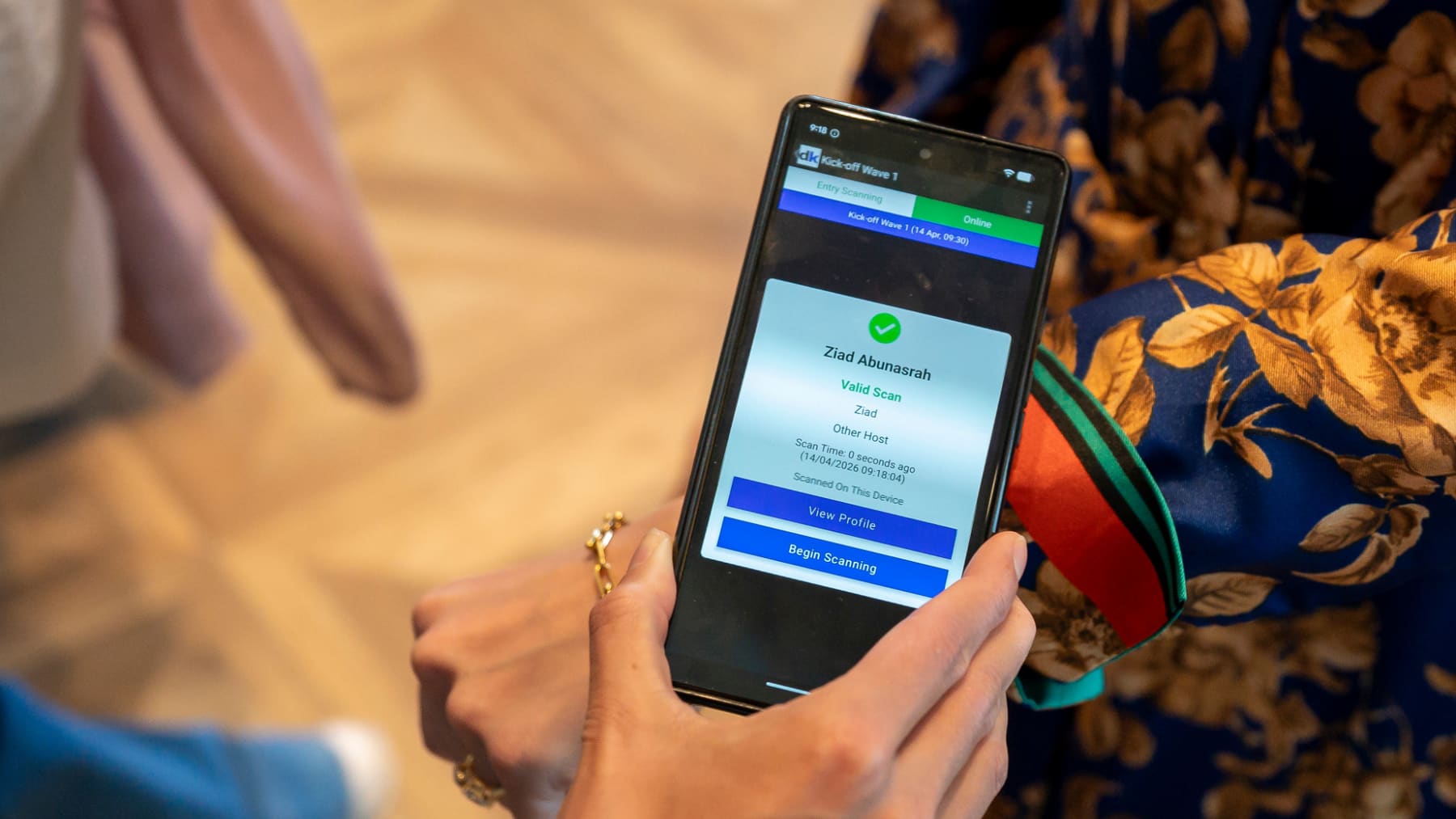
Delekit check-in app scanning an NFC wristband

What you get

Any credential, one app

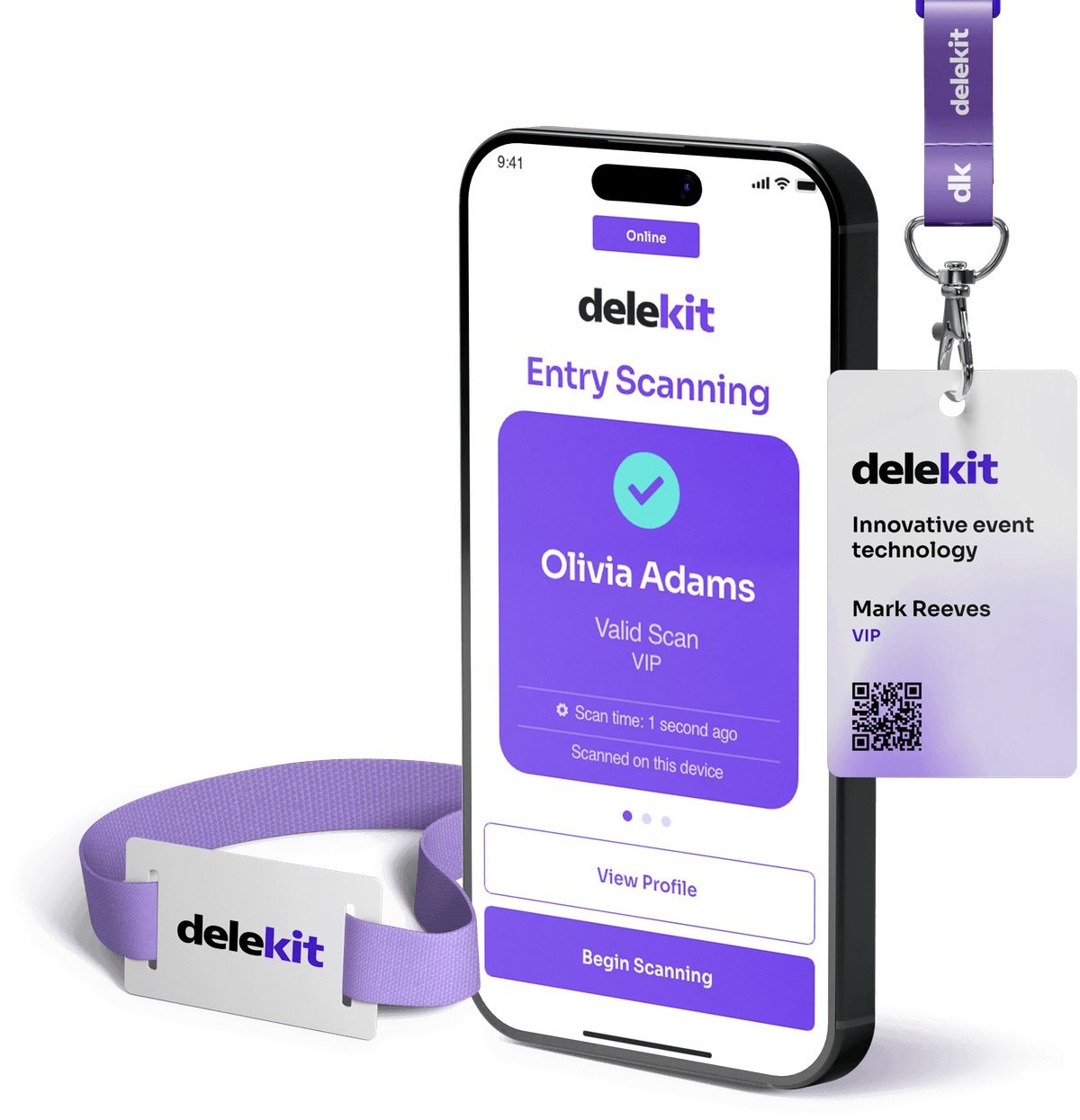
Scan QR e-tickets from Delekit registration, tap NFC wristbands or read RFID badges. Mix them at the same event if different audiences need different credentials.

Built for bad Wi-Fi

Every device keeps a local copy of the attendee list and keeps scanning offline. When the connection returns, scans sync automatically. Our hire devices can carry mobile data SIMs as a backup connection.

Find people fast

Search by name, email or company when someone has lost their ticket. VIPs are highlighted on screen so your team knows who has arrived.

Walk-ins without a queue

Display a branded QR code at the desk. Walk-ins register on their own phone and are ready to scan straight away.

Badge or wristband in the same step

Print a badge on scan, or link an NFC wristband to the attendee with a single tap, so the credential is live before they leave the desk.

Staffed desks and self check-in

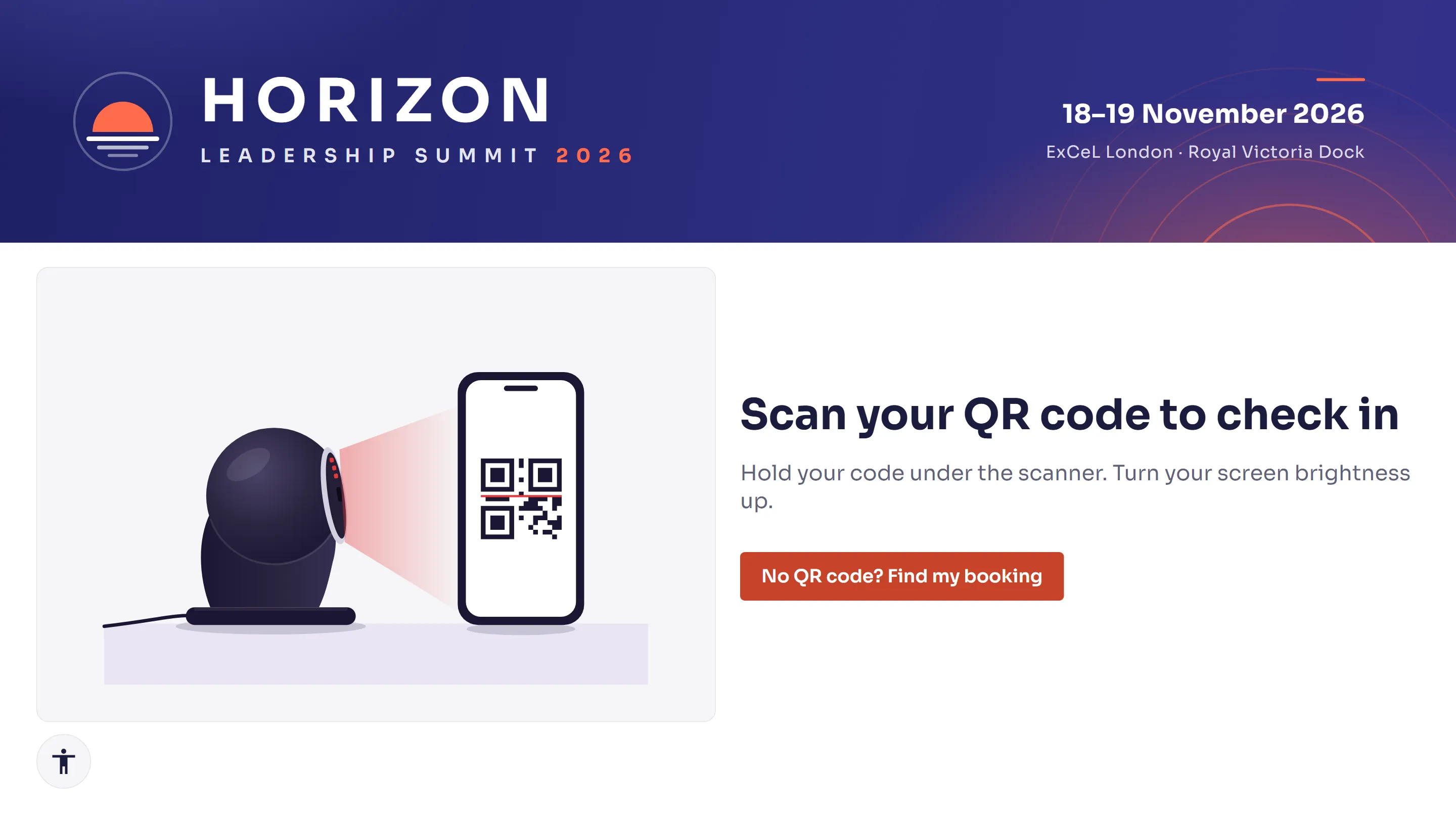
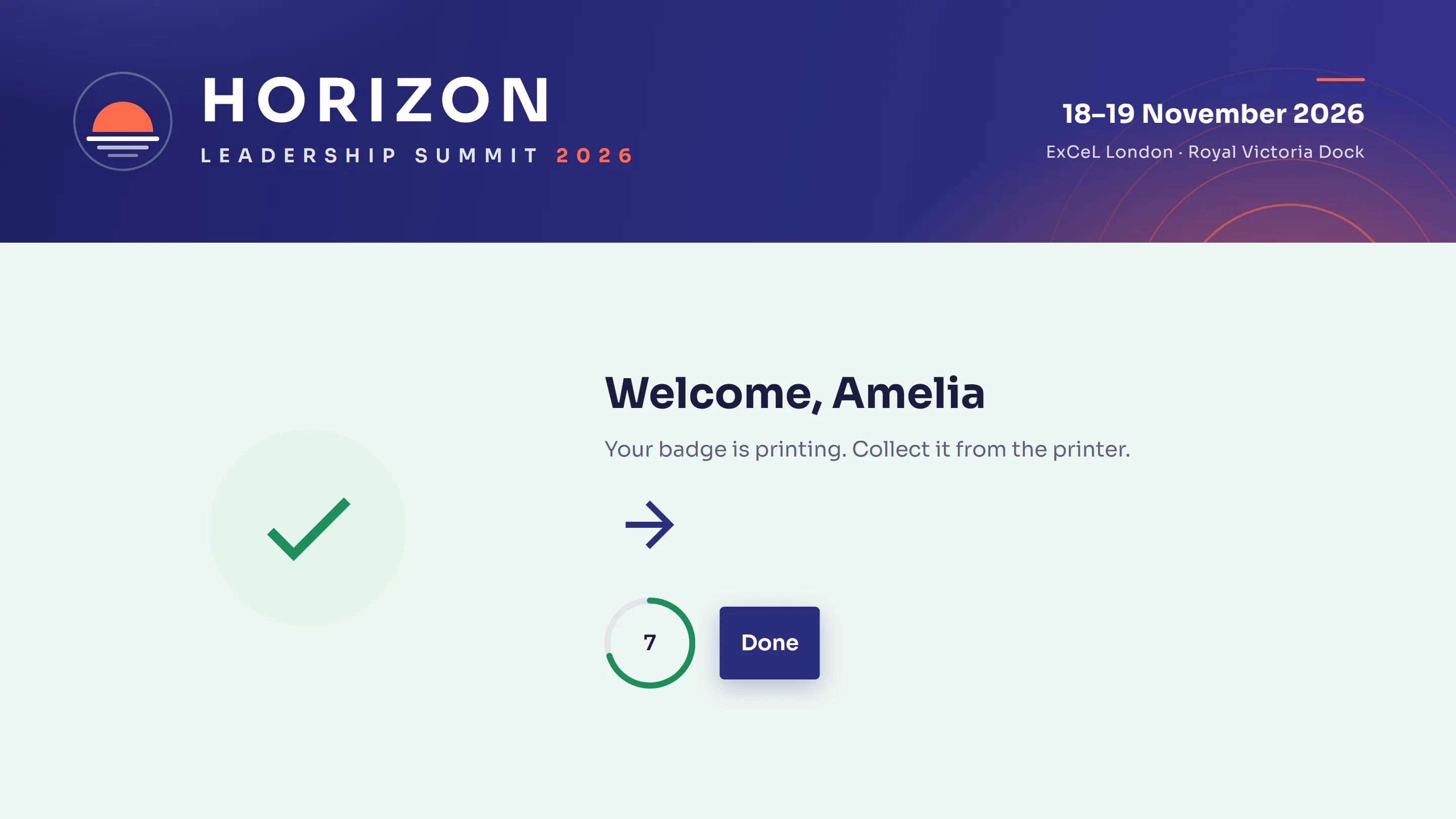
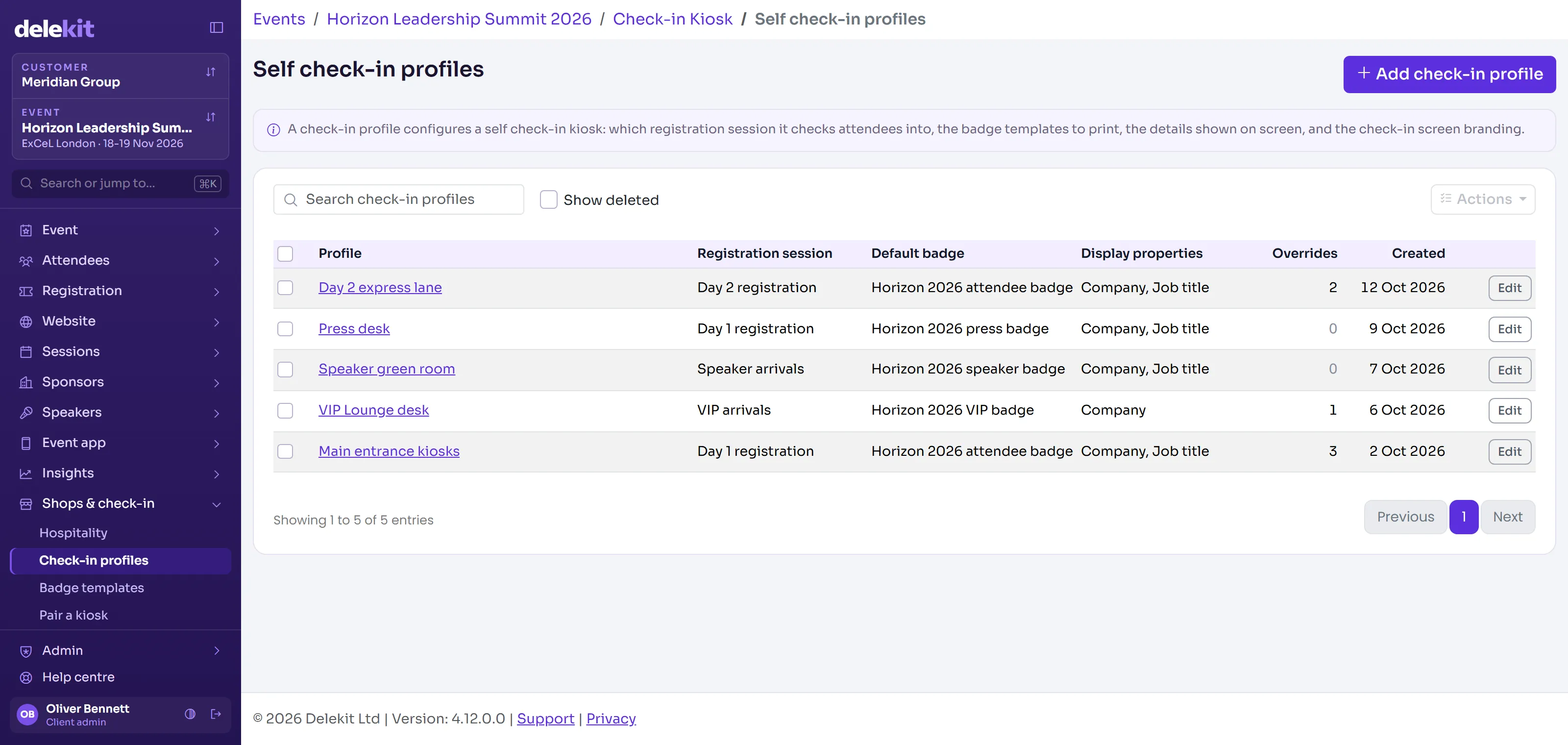
Run a staffed welcome desk, self-service kiosks or both. Kiosks print the badge as soon as the QR code is scanned.

Live arrivals

See arrivals by entrance, registration type and time, and who is still to arrive. Share the view with your client without giving them a login.

Beyond the front door

The same app scans sessions, zones, meals and redemptions, so you build a full picture of each attendee's day, not just their arrival.

See it in Delekit

Where teams use it

Conferences and summits

High-volume morning arrivals with badge printing and session scanning later in the day.

Hotel and multi-venue programmes

Check guests in at the hotel, then use the same credential at every venue.

Internal company events

Check in employees against your attendee list, with VIPs highlighted on scan.

Questions we get asked

What happens if the internet goes down?

Scanning carries on. Devices hold the attendee list locally and sync when they reconnect.

Which devices does the check-in app run on?

Our Android check-in app runs on phones, tablets and handheld scanners, supplied and configured as part of hardware hire.

Can attendees self check-in?

Yes. Self-service kiosks scan the QR code and print a badge in seconds, with a staff mode for reprints and lookups.

How many scanners do we need?

It depends on your arrival pattern more than your headcount. Tell us door times and how many people you expect in the first half hour, and we will recommend the number of desks, kiosks and handheld scanners.

Tell us about your next event

Send us the brief, the venue and the headcount. We will show you how Delekit would run it, what it would cost and what we would need from you.